To enter a consignment number

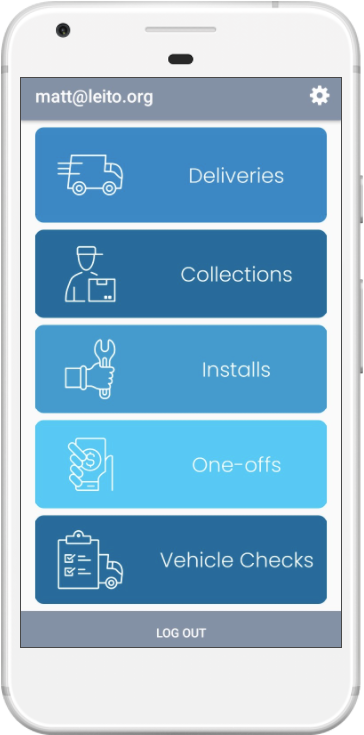
Deliveries From the home screen choose Deliveries. |

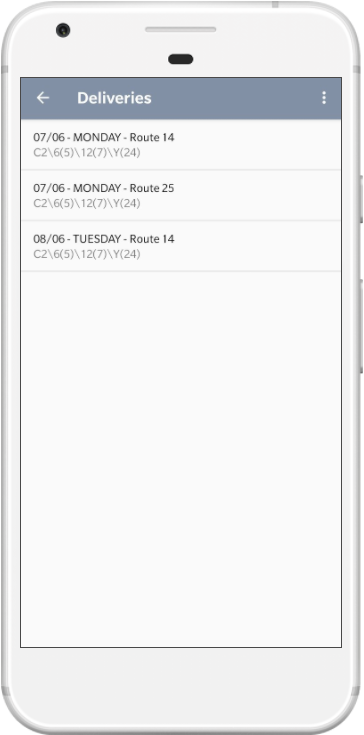
Pick a route Choose a route to start servicing. There may be multiple routes for a given date. |

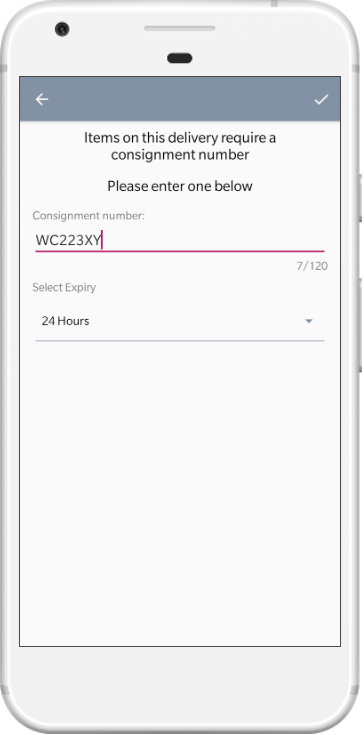
Enter consignment number If the route you selected had any hazardous waste deliveries that require a consignment number you will be asked to enter a consignment number and the length of validity. Then click the tick button. |
 |
 |
 |
To expire a consignment number
|
Deliveries From the home screen choose Deliveries. |
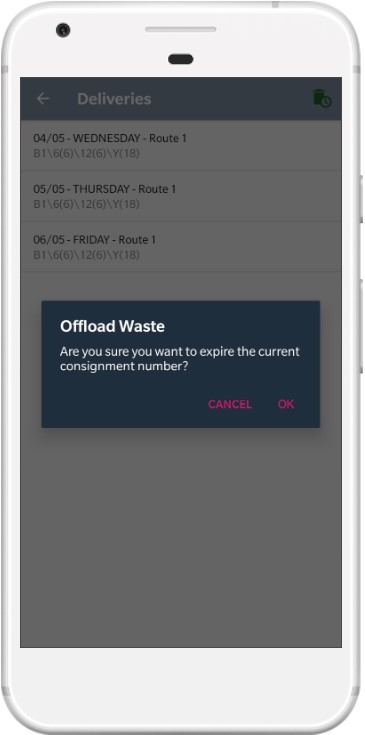
Offload Waste Click the Waste Bin icon in the top right to offload waste |
Confirm offload Click the Ok button to confirm that you want to offload the waste |
| |
|
 |