
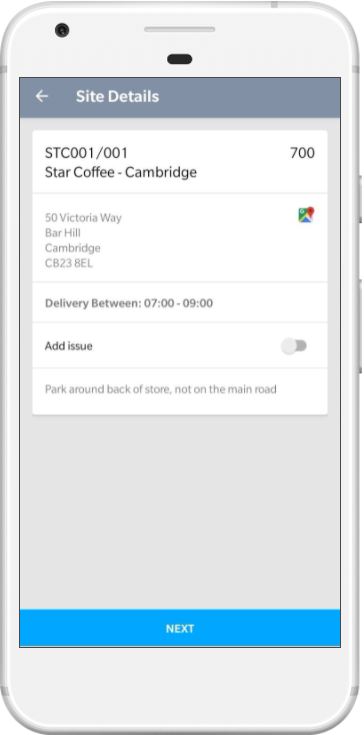
Site Details From the site details screen click the map icon next to the site address. |

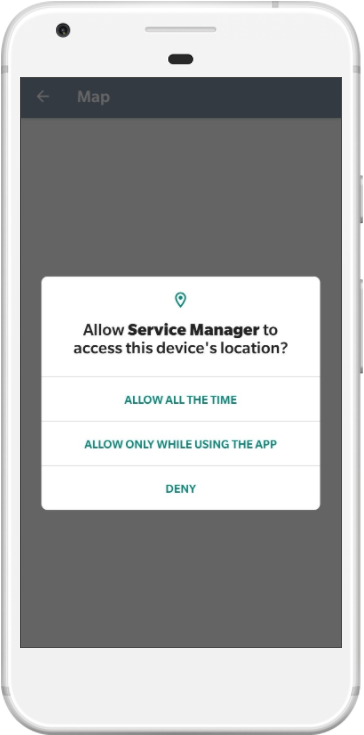
Allow If this is your first time using the navigation from Service Manager, you will be prompted to allow access to your device's location. |

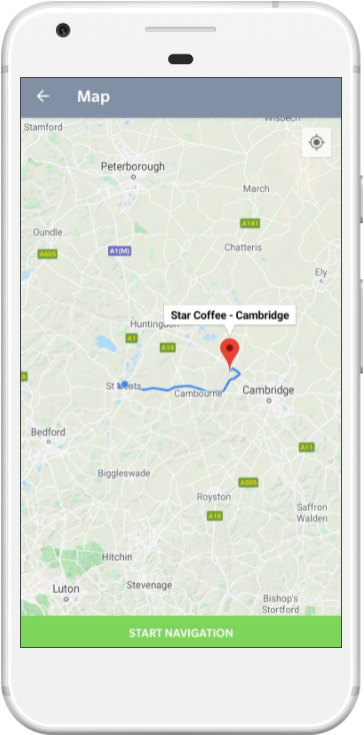
Navigate You will be shown the route to the site based on your current location, click Start Navigation to begin. |
 |
 |
 |