Driver passwords are reset directly on the mobile app.

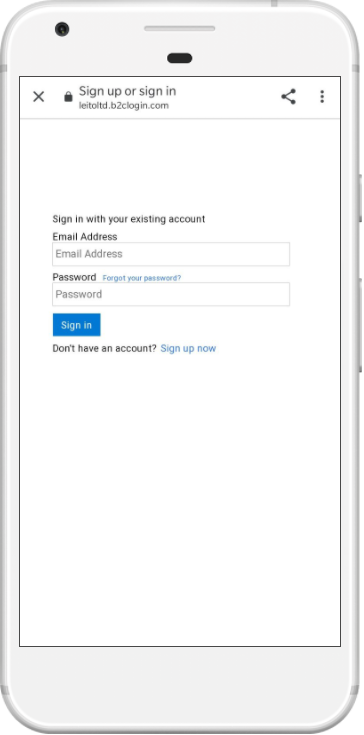
Start Application Choose Sign In, then Forgot your Password? |

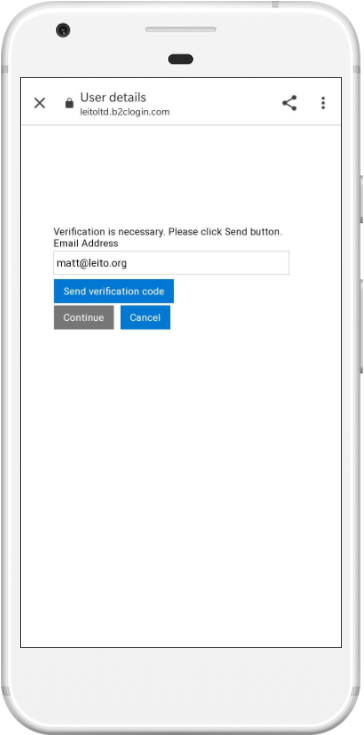
Enter Email Enter the email address that you use to login with and choose Send verification code |

Check Inbox A verification code will be sent to the email address entered. |
 |
 |

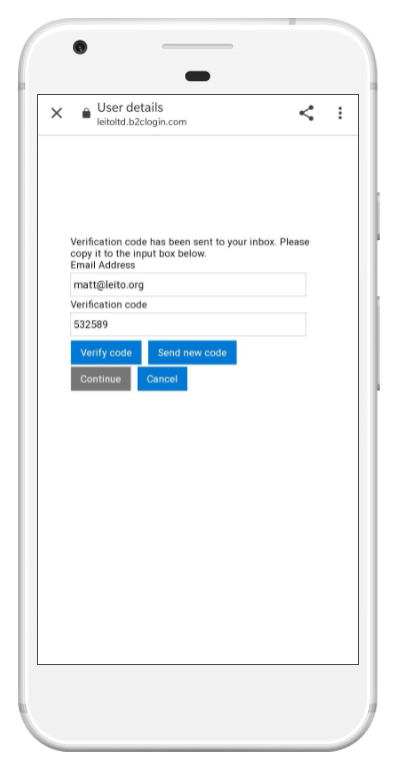
Verify the Code Enter the code from step 3, then choose Verify code and click Continue |

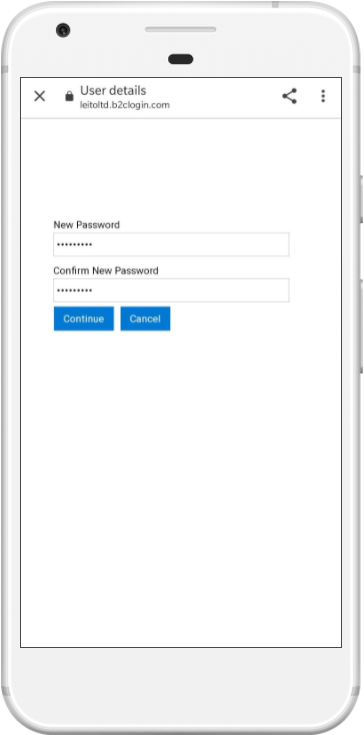
Enter Password Enter and confirm a new password. Choose Confirm |
 |
 |