
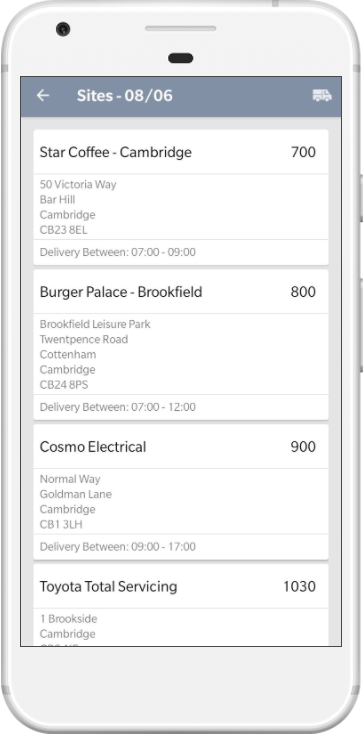
Sites From the sites screen, click the van icon in the top right of the screen. |

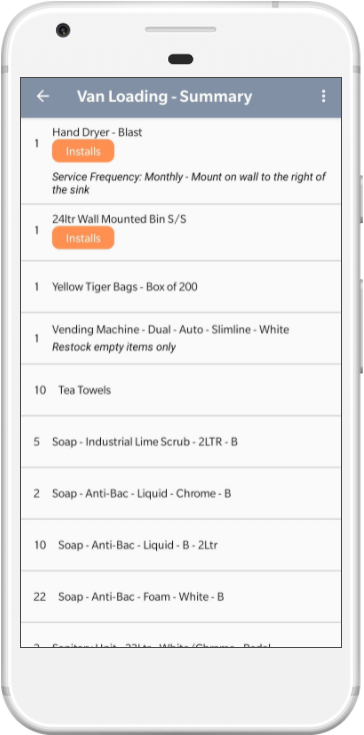
Summary The totals of the items are displayed. Delivery events are highlighted at the top of the list. To view a detailed list click the button in the corner, this lists all of the items in reverse manifest order. The last item you deliver that day gets loaded onto the van first. |
 |
 |