Process for recording your daily vehicle checks using Service Manager Mobile.

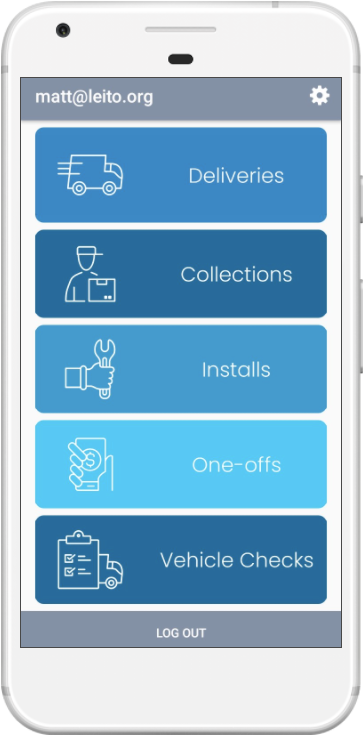
Vehicle Checks From the home screen choose Vehicle Checks |

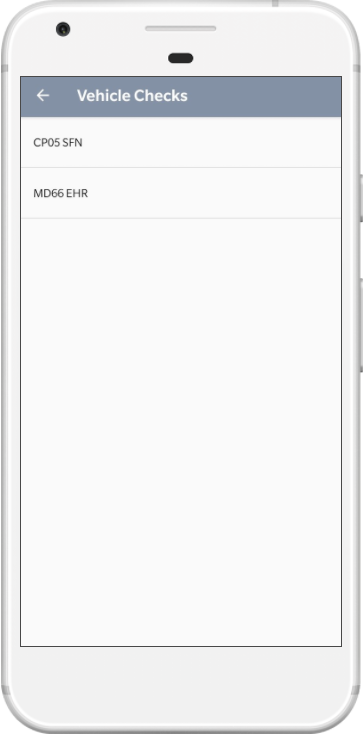
Vehicle Selection If you are assigned to more than one vehicle for the day, you will need to perform a check for each one. |

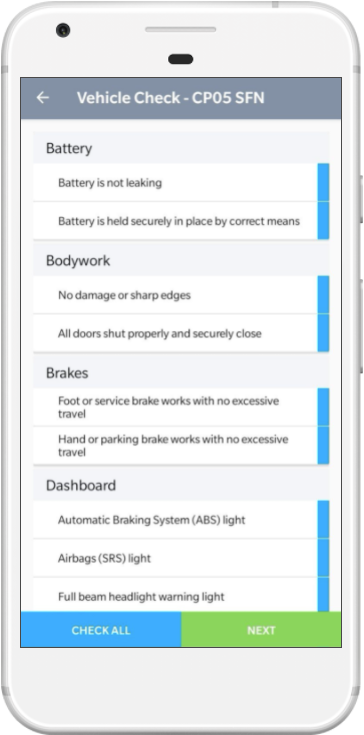
Checklist Complete all of the shown vehicle checks or choose Check All |
 |
 |
 |

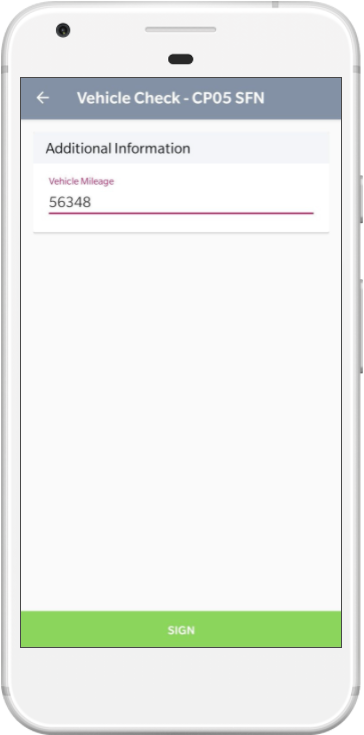
Vehicle Details Complete each of the sections and choose Sign |

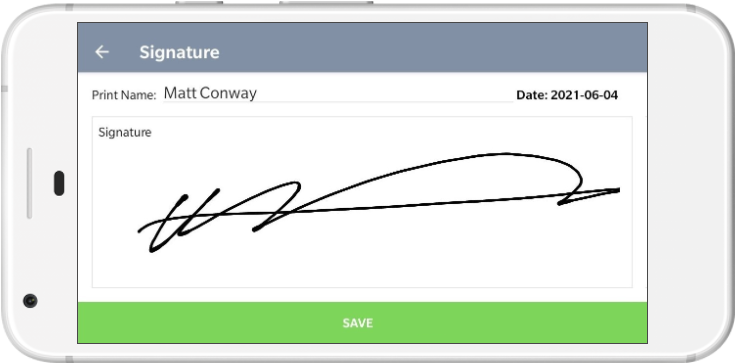
Signature Capture Record your signature and click Save |
 |
 |