How to: Check for updates
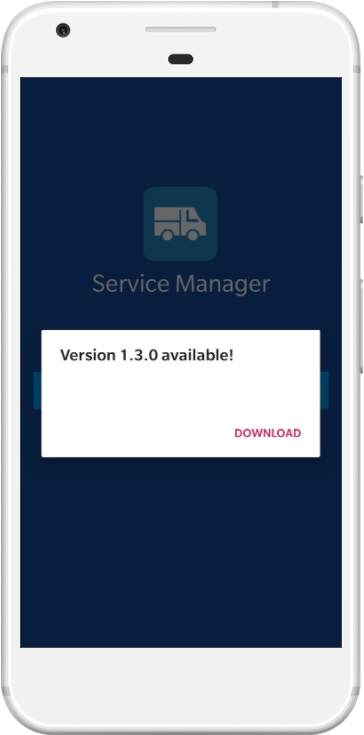
Service Manager will automatically check for updates whenever you open the application.
You will be prompted with a message box if you would like to download an update if there is one available..
How to: Install an update

Check If there is an update available you will be |

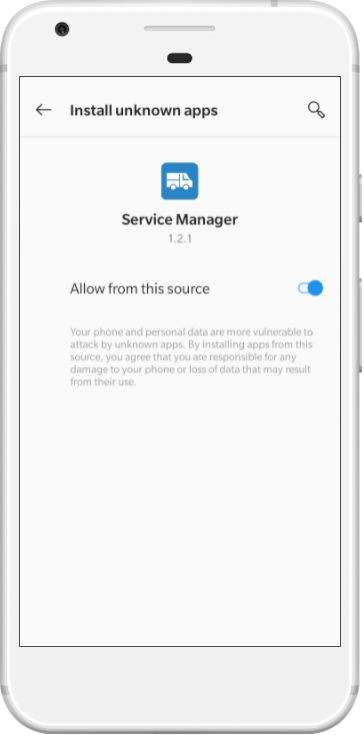
Allow If this is the first update you have installed, you will be prompted to allow the app to perform installs. Click the "Allow from this source" toggle button, then click the back button to return to the app. |

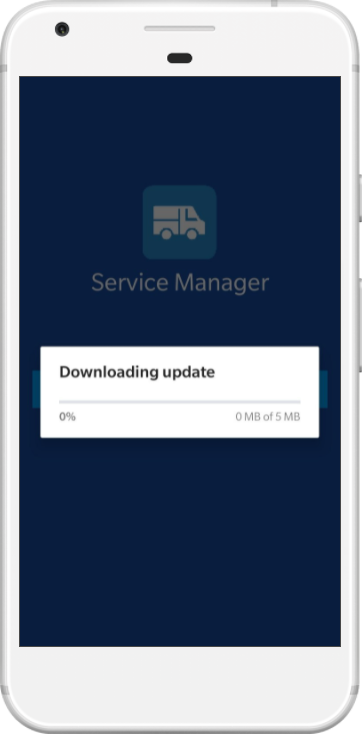
Download The app will begin downloading the update. |
 |
 |
 |

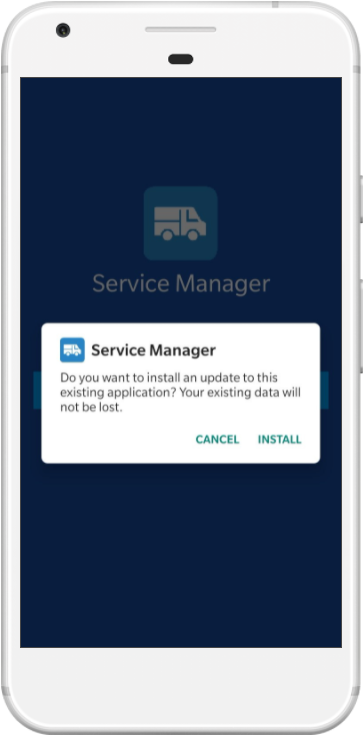
Confirm When the update is downloaded,click the Install button to proceed with the update. |

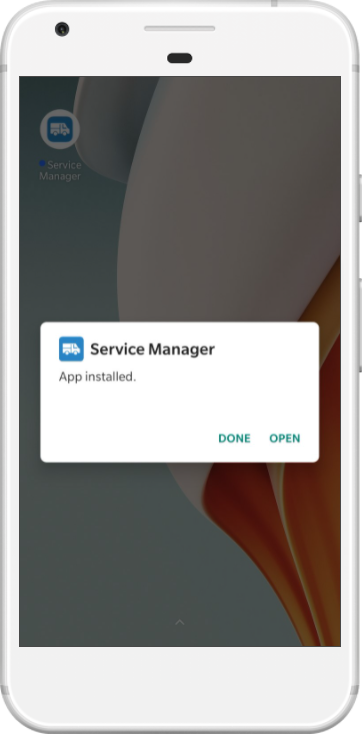
Complete Once installed, click the Open button to restart the app. |
 |
 |