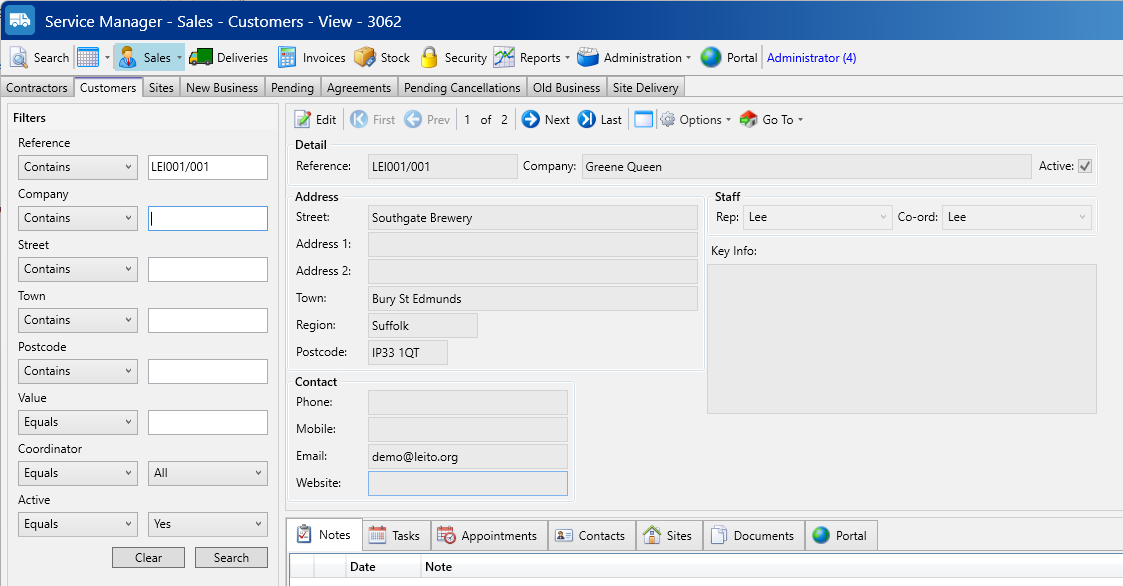
Throughout Service Manager, there are hyperlinks that can be used to quickly navigate between related records. When you click a link, you will be taken to the corresponding window. You can al;so access these links by right clicking on a record and selecting from the popup menu.
Example
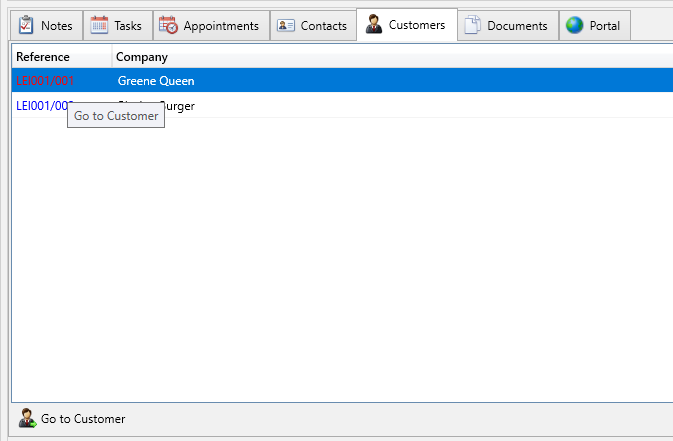
On the Contractors screen, the Customers tab has a list of the customers for the selected Contractor. By clicking on the hyperlink, the screen changes to the Customer Tab with the customer details displayed. You can also right click the customer and choose Go to Customer
After clicking the link, the screen changes to the Customer page with the requested record loaded, in this case, LEI001/001