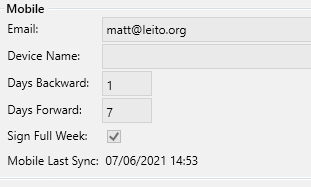
Service Manager Mobile uses your existing driver records as logins. You will need to assign each driver a unqiue email address in order that we can send verification information.

Assign an Email to a Driver |

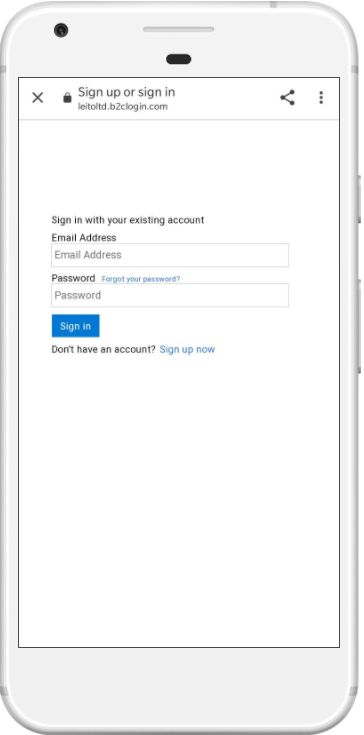
Start application Click Sign In, then choose Sign Up Now |

Enter the email address used in Step 1. |
 |
 |
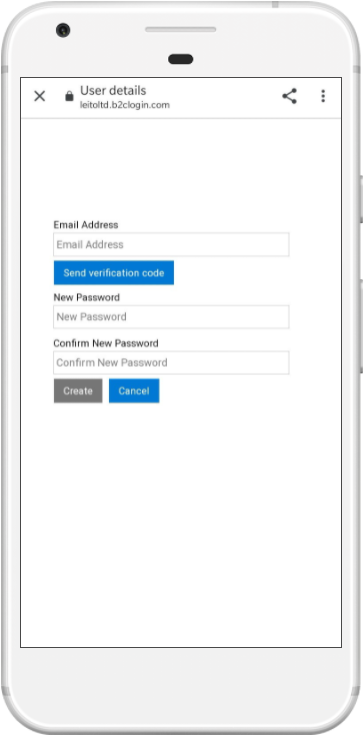 |

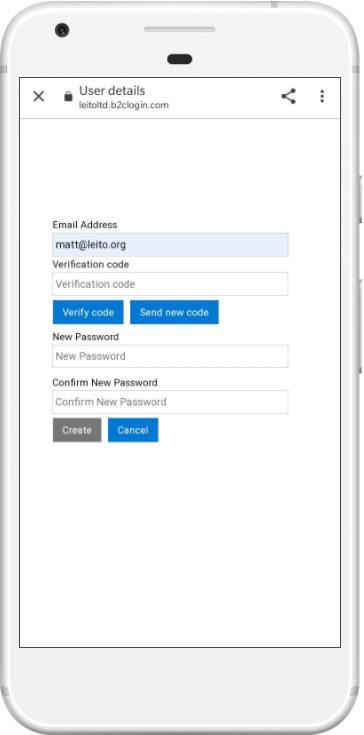
Verify Click Send Verification code. Enter the code you receive inthe email, choose Verify Code |

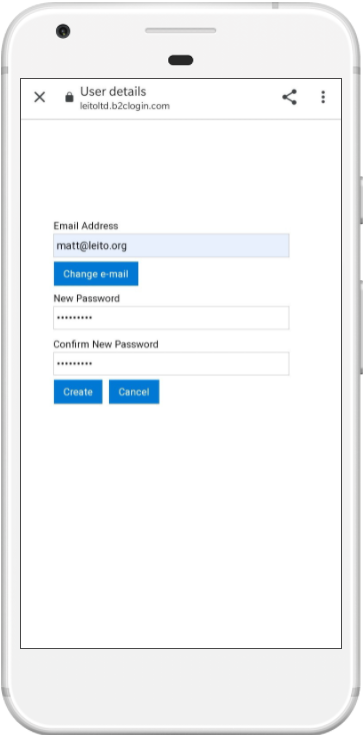
Password Create and confirm a new password, choose Create |

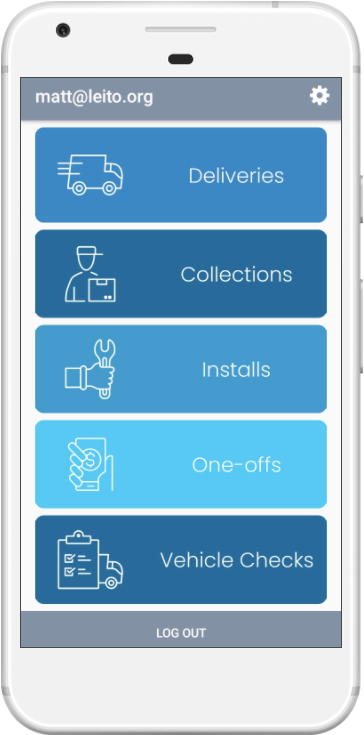
Home Screen You will be logged in and the home screen displayed. |
 |
 |
 |
See Also