To get started with Service Manager - Mobile, you will need to first create a login. For more information, see Create a User.
Below walks you through completing a service for a site and capturing the customers signature.

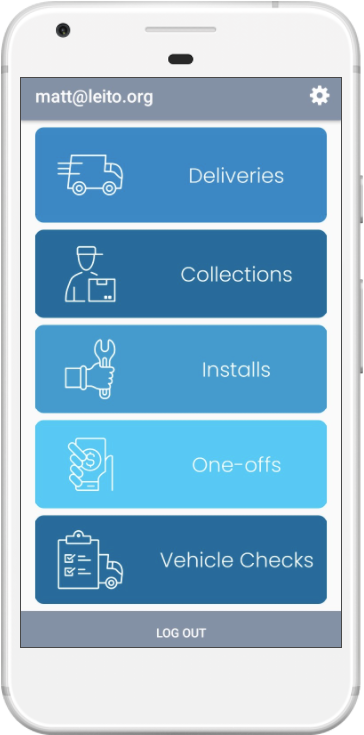
Deliveries From the home screen choose Deliveries. |

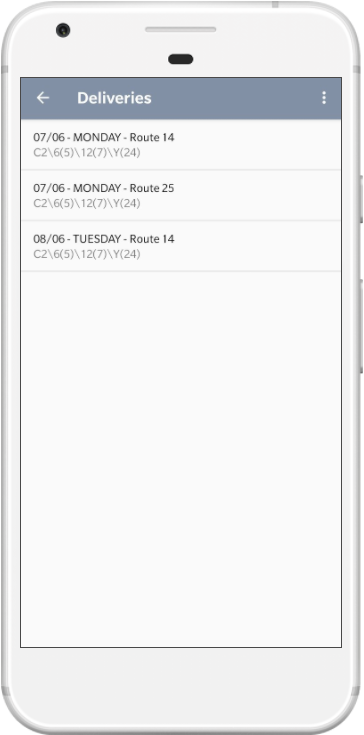
Pick a route Choose a route to start servicing. There may be multiple routes for a given date. |

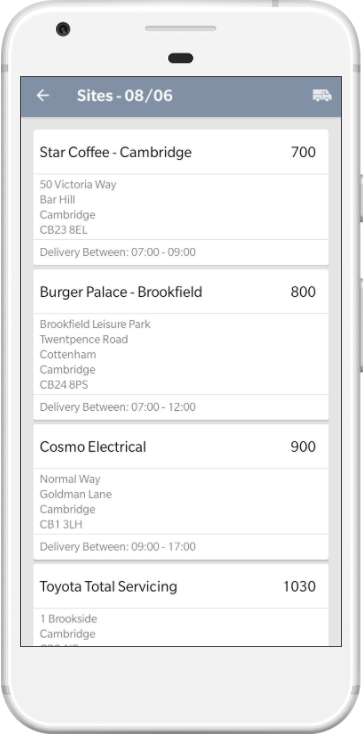
Sites The sites are shown in the correct delivery order. Click a site to view further details. |
 |
 |
 |

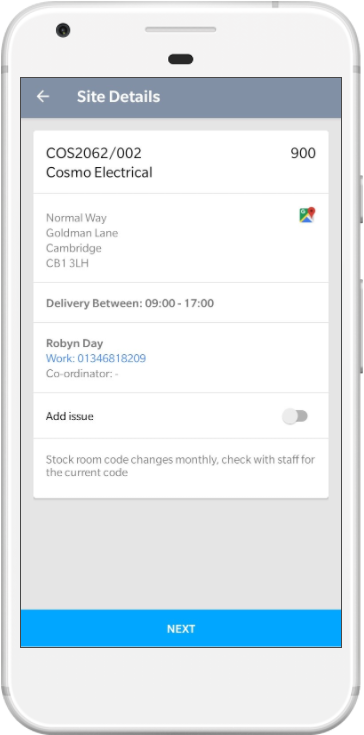
Site Details Displays the site address,special instructions, opening hours and contact details. |

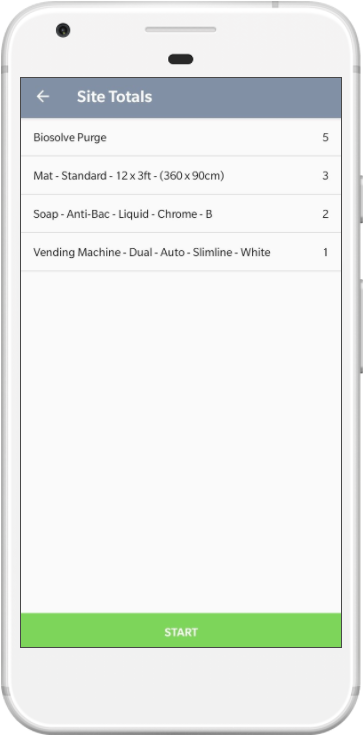
Totals Displays a summary of this sites items. |

Placements The Items are shown in the correct placement order. |
 |
 |
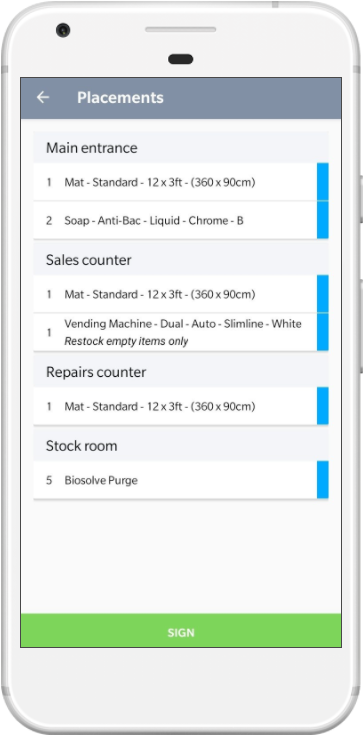 |

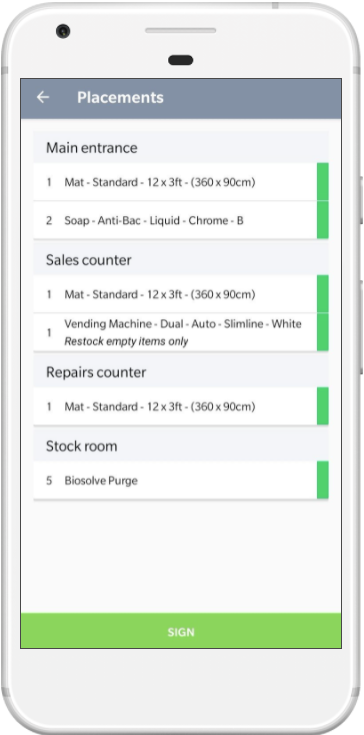
Items To mark an item as completed, click it once. It will turn from blue to green. |

Finish Click Sign to mark the site as finished and to capture the signature |

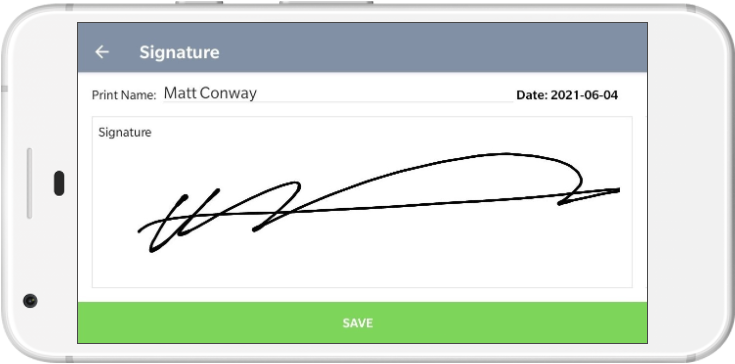
Signature Enter the signee name and record their signature if required. Click Save. |
 |
|
 |