To report an item issue

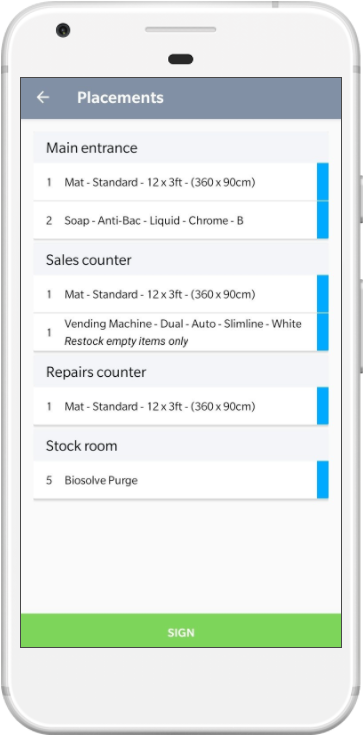
Items From the items screen, click the item you want to add an issue for twice. This changes the icon from green > blue to red. |

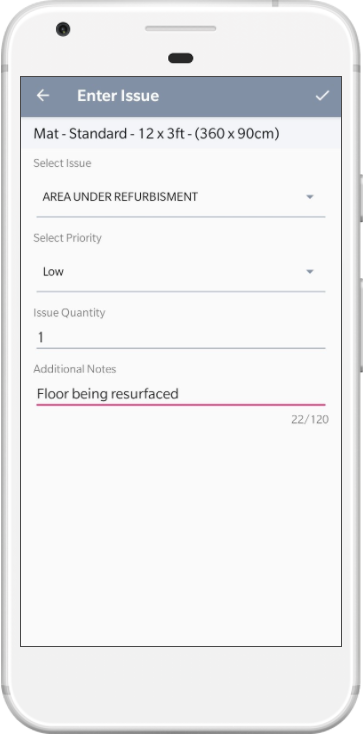
Enter Issue Select an issue from the dropdown and enter any additional notes. |

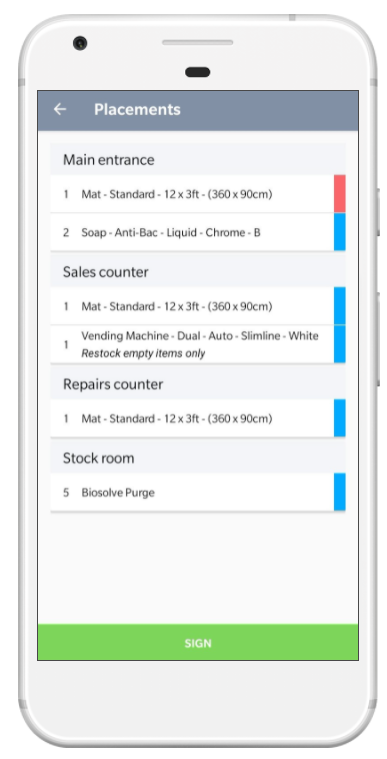
Issue Displayed The item will now have changed from green to red. Action any remaining items, choose Sign |
 |
 |
 |
See Also