One-offs are signed for through the standard delivery process. See Completing Your First Delivery for information for a detailed walkthrough on signing for a delivery.
How do I know which items are one-offs?
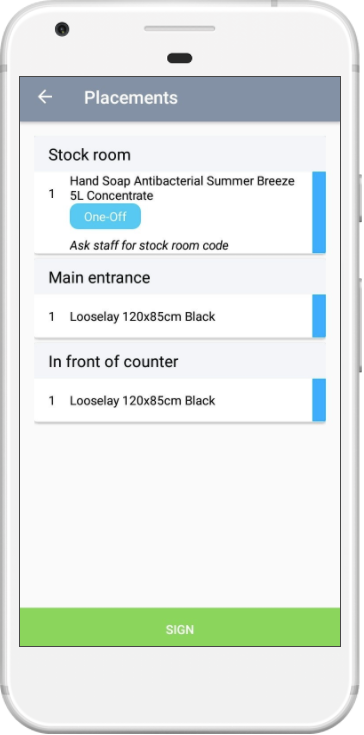
One-offs will be clearly indicated with their own icon in the list of items when you are signing for a delivery.
You can see all outstanding one-off items from the One-Offs section, see How to: View One-Offs for more information.