Any delivery events manifested in Service Manager are automatically synced to the mobile app; exactly the same as normal delivery items. They are also signed for at the same time as the normal delivery items, the receipts will detail the different service types accordingly.
To view all events for a route

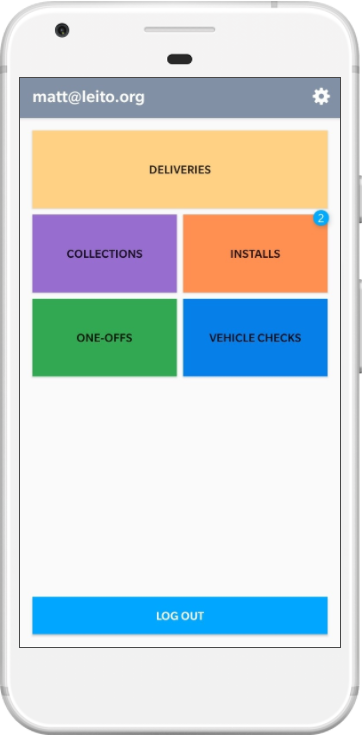
Home If you have any outstanding events that need completing, there will be a notification indicator over the top right of the corresponding event button, in this case, Installations. Click the Installations button. |

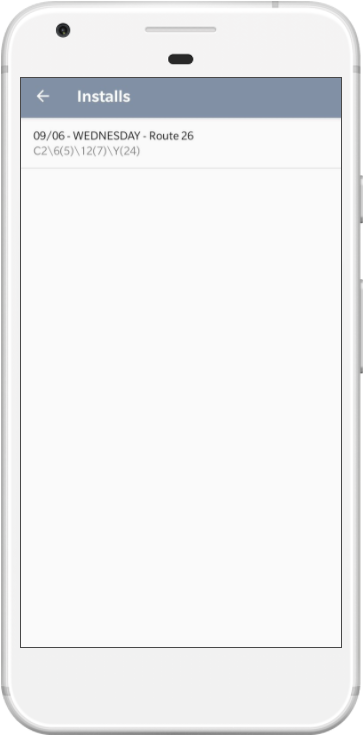
Dates The deliveries shown are only those with Installations scheduled. Select the date that you would like to view. |

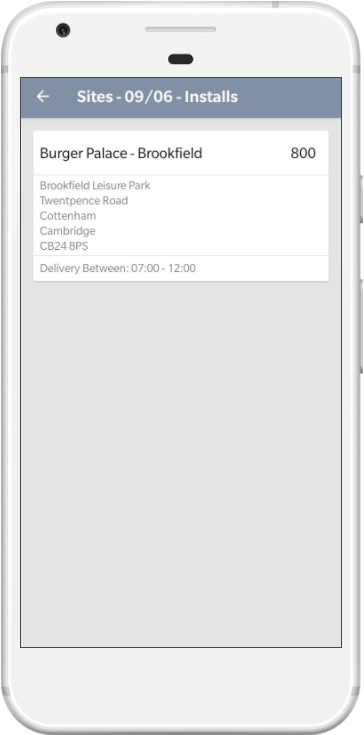
Sites All sites with the current event type will be displayed. Select the site you would like to view. |
 |
 |
 |

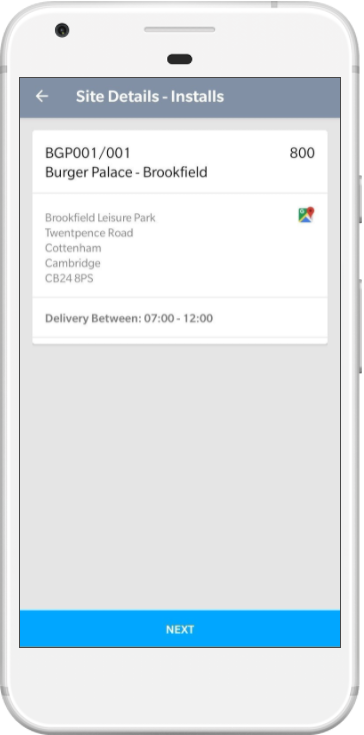
Site Details The site details will be displayed, the same as a normal delivery. Click Next to proceed. |

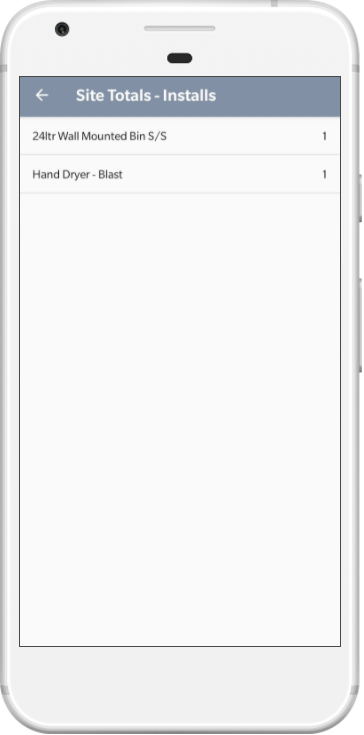
Totals The item totals are shown for the installation events. To sign for an event you go through the standard delivery process, see Completing Your First Delivery for a detailed walkthrough. |
 |
 |