To report a site issue

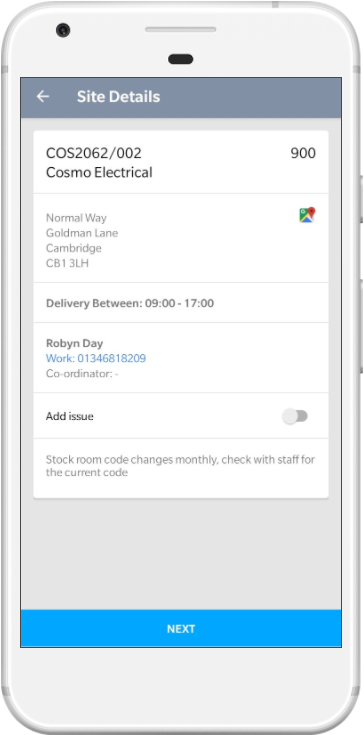
Site Details From the Site Details screen, click the toggle button next to Add Issue. |

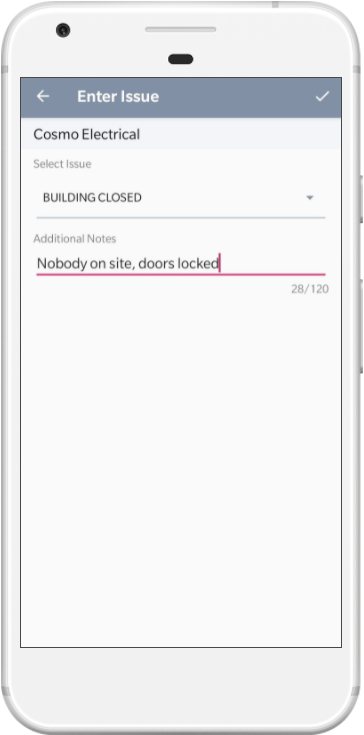
Enter Issue Select an issue from the dropdown and enter any additional notes. |

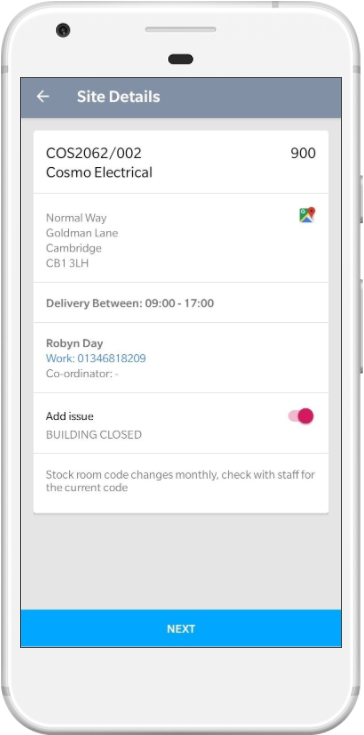
Issue Displayed The toggle button will now be highlighted red and the issue type you selected will be displayed. Return to the list of sites using the back button in the top left of the screen. |
 |
 |
 |
See Also